
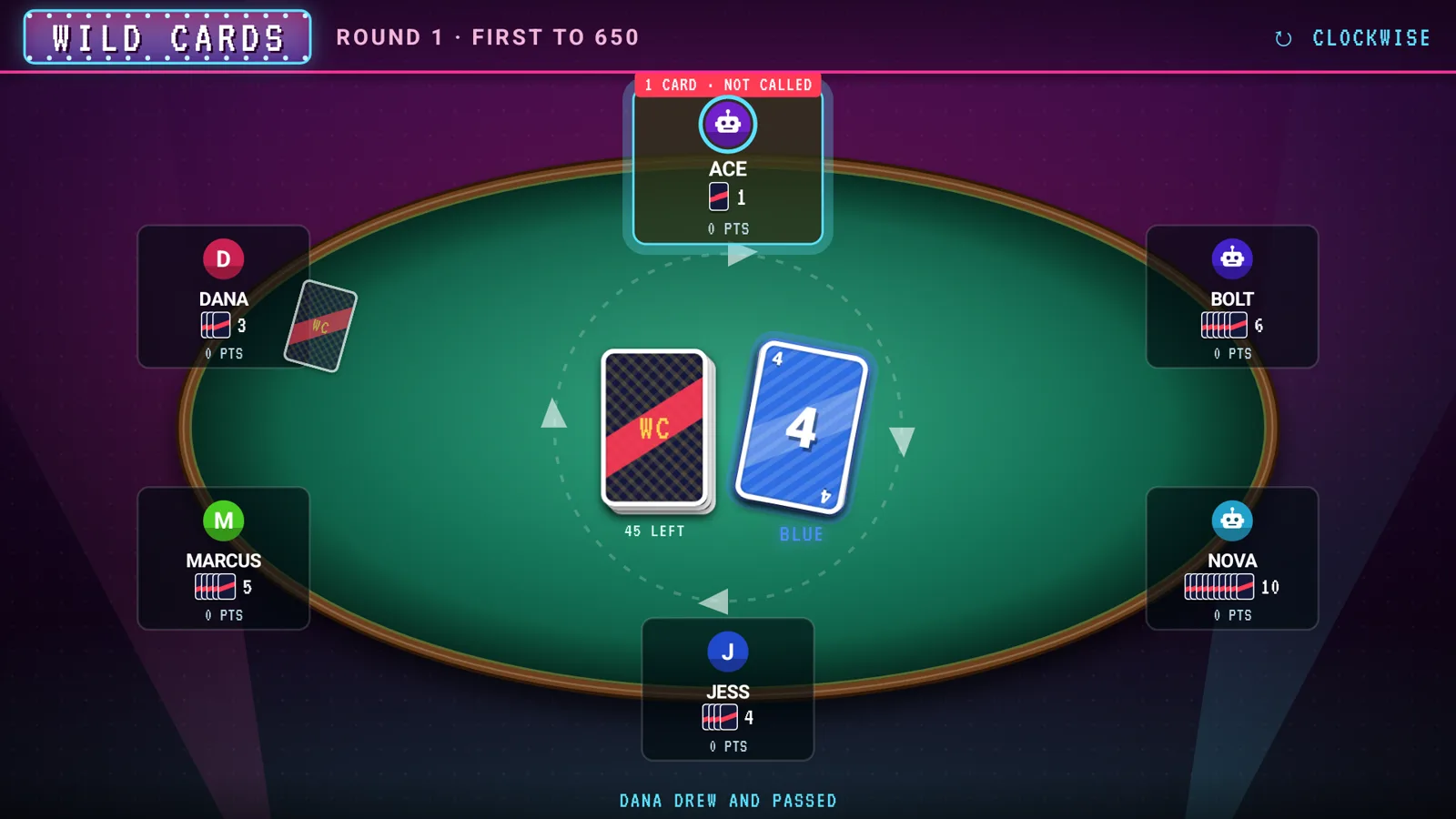
Wild Cards
Match the color or number, stack the +2s and +4s, and call LAST CARD before someone catches you. 2–10 players.
Free live TV for Android TV
RetroCable
RetroCable turns any Android TV box into an old-school cable box: 2,400+ free live channels, a real channel guide, static between channels, and a game night your whole couch plays from their phones. No account. No subscription.
Android 5.0 and up · Google TV, Android TV boxes and Android phones · 8.5 MB
Features
Everything you remember about flipping channels, rebuilt for today's free streaming channels and made to work with the simple remote that came with your TV.
Ten hours of listings, categories, favorites, and search by name or call sign. Channel 1 is the listings channel, like on a real cable system.
Static between channels, "please stand by" color bars while a stream loads, and an 80s station intro when it starts. Dead channels get skipped.
Pick your region for its own channels and listings. In the US, enter your ZIP code and your market's local stations become the first block.
Everything works with the arrows, OK and Back. Hold OK for an on-screen remote with a number pad, captions, last channel and sleep.
A sleep timer, plus a night mode with a dim drifting clock and sleep sounds: rain, ocean, a box fan, crickets or a fireplace.
Classic blue cable menus, an 80s Neon look, or a clean Modern one. There's also a Kids edition with a grown-up PIN.
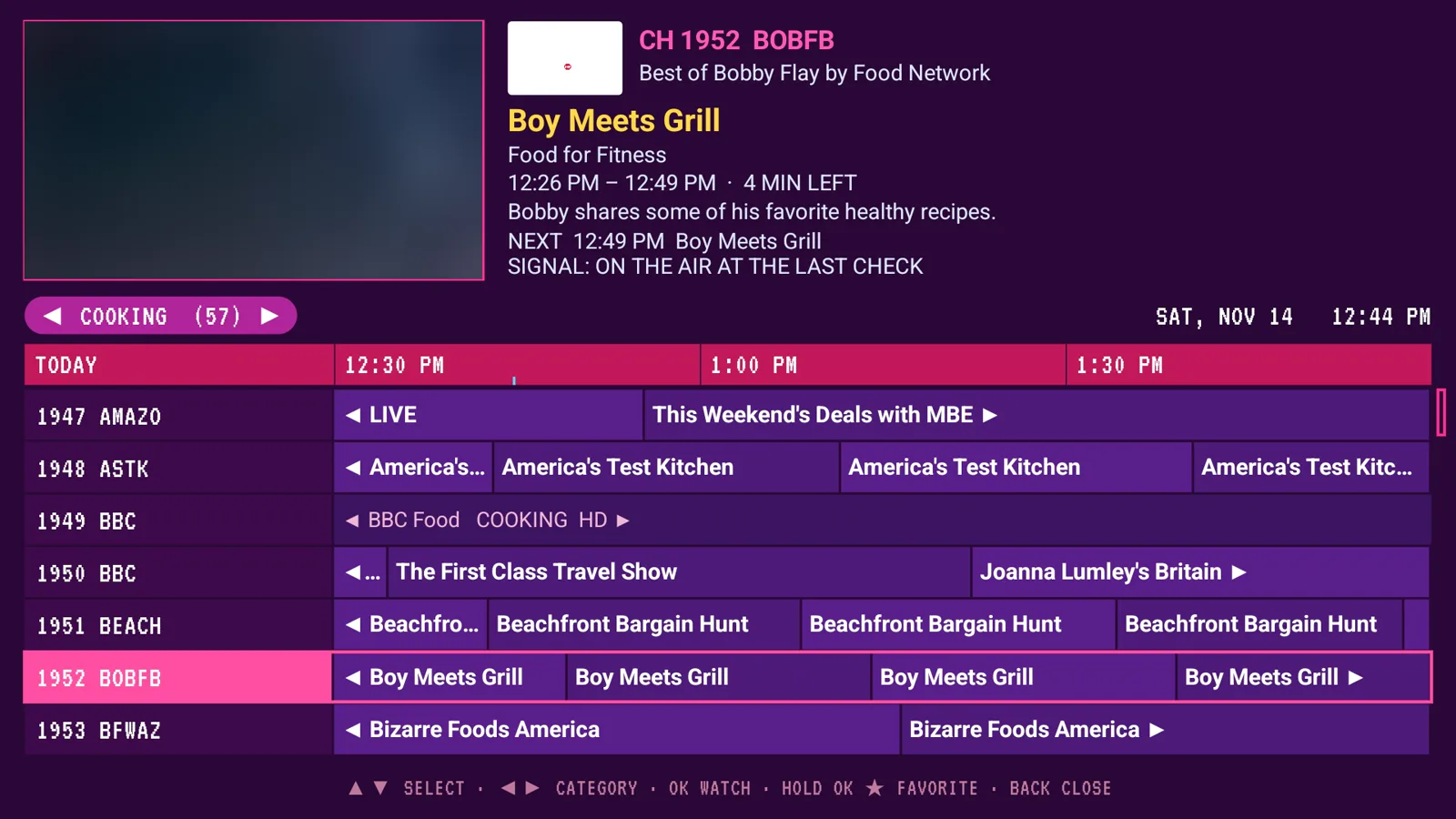
Press OK while you watch and the guide comes up, with the picture still playing in the corner.
Game night
The TV is the table and everyone's phone is their hand. No app to install: scan the code on the TV, type your name, and you're in. Short a player? CPU players take the empty seats.
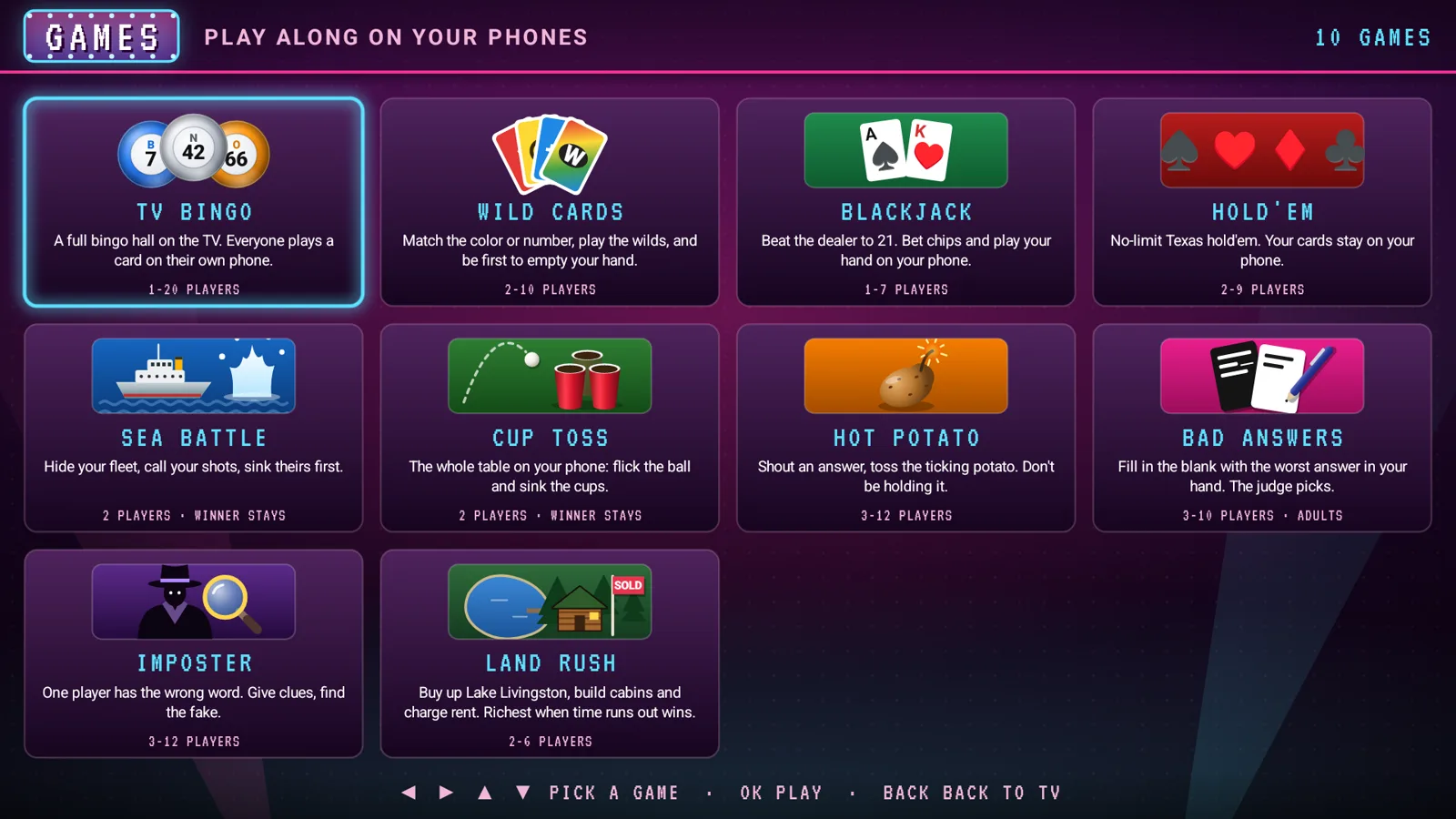
Match the color or number, stack the +2s and +4s, and call LAST CARD before someone catches you. 2–10 players.
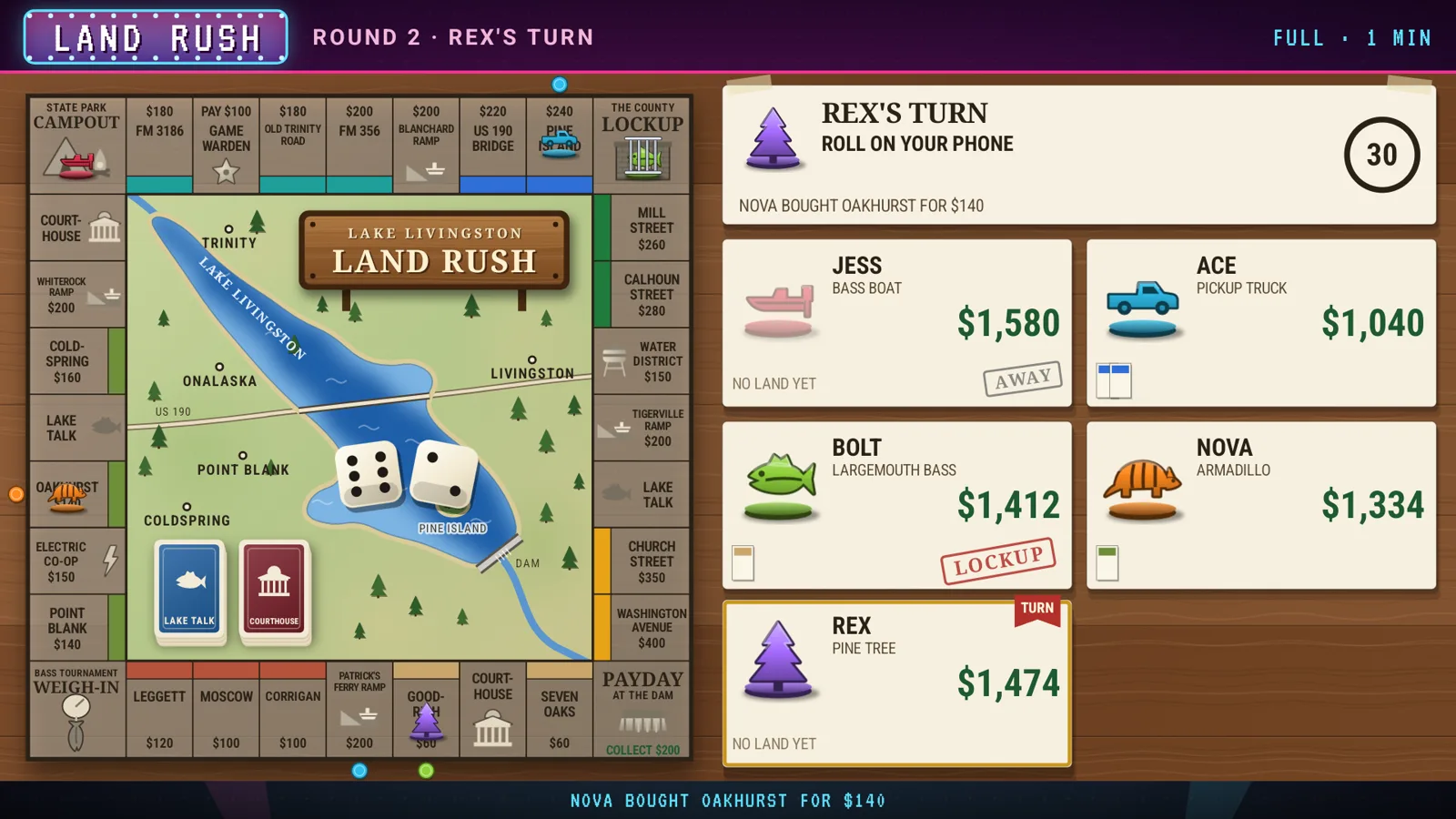
An original property-trading game set around Lake Livingston, Texas. Buy lots, build cabins and lodges, and trade on your phone. 2–6 players.
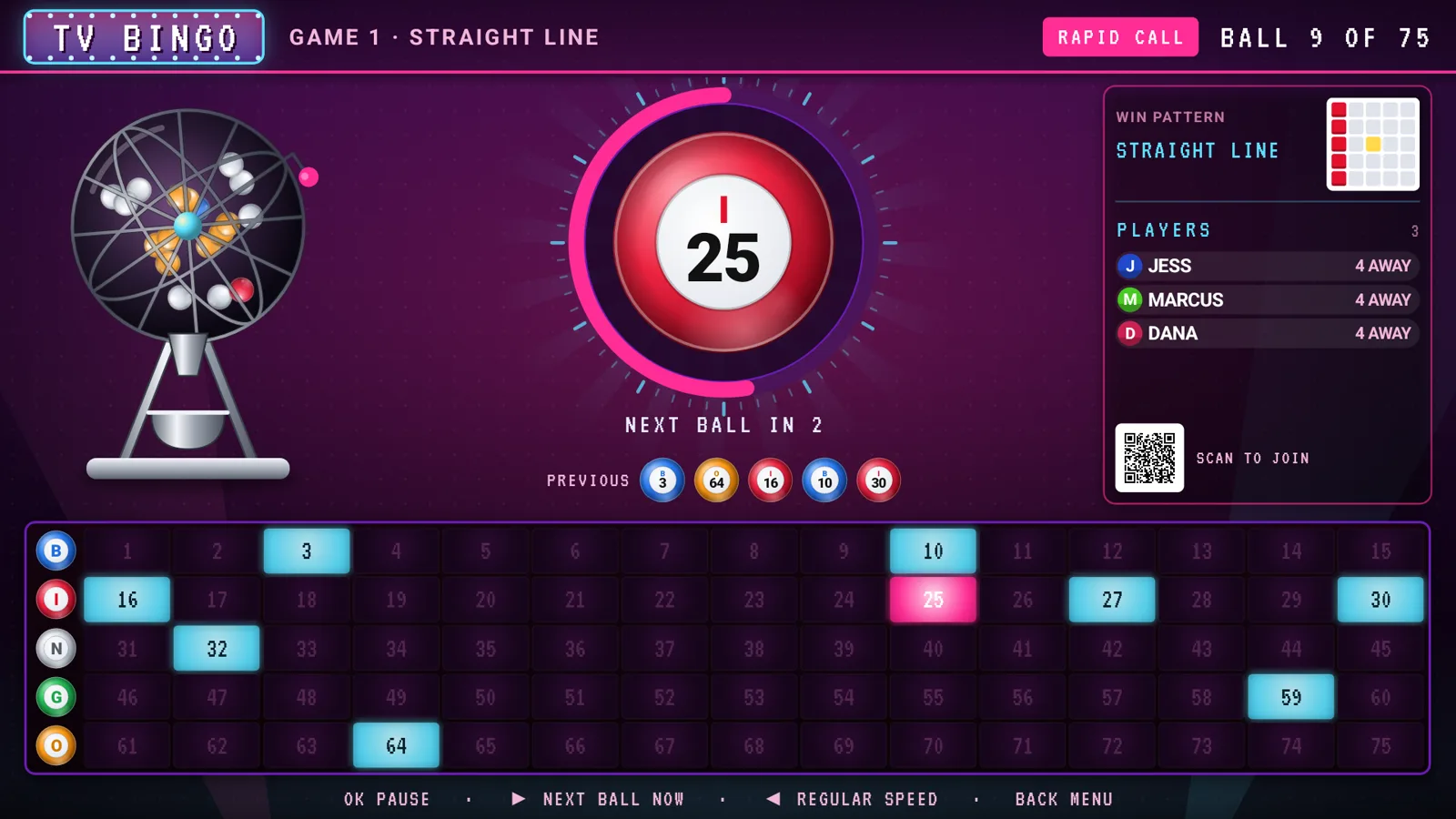
A full bingo hall: the cage spins, the caller calls, and everyone daubs a real card on their phone. 1–20 players.
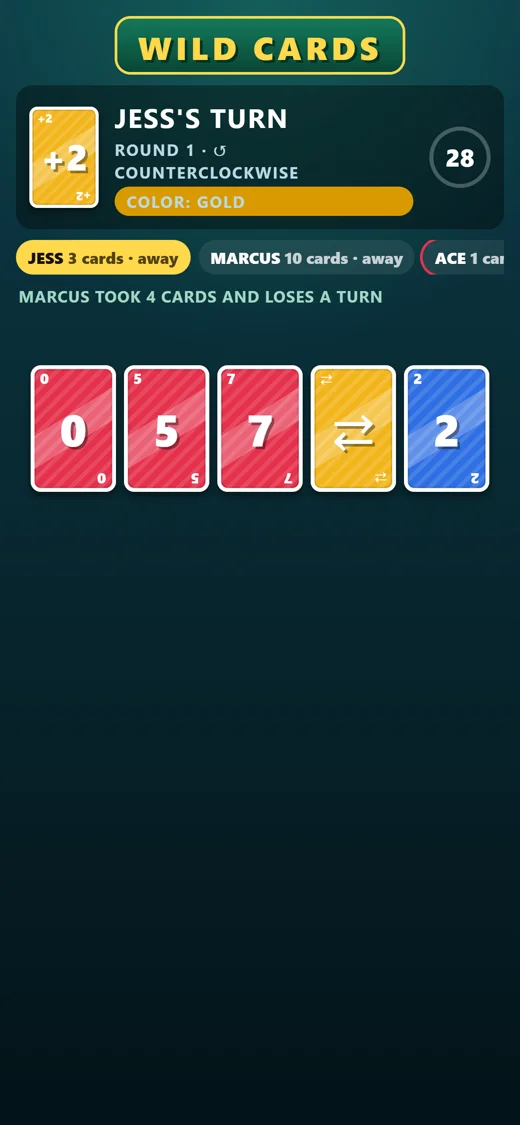
Your cards, your bingo card, your bets and your fleet stay on your own screen, so nobody peeks.
Built light
Download
RetroCable installs straight from this site and keeps itself up to date. Most people want the main app.
The cable box: every free channel, the guide, the looks and the games.
Download APKDownloader address
https://retrocable.eastextech.com/retrocable/latest.apk
Only kids, family and cartoon channels, behind a grown-up PIN.
Download APKDownloader address
https://retrocable.eastextech.com/kids/latest.apk
A TV home screen in RetroCable's looks, with live TV one click away.
Download APKDownloader address
https://retrocable.eastextech.com/home/latest.apk
Install
https://retrocable.eastextech.com/retrocable/latest.apkQuestions
Yes. RetroCable plays channels that are already free to watch: ad-supported services like Pluto TV, Samsung TV Plus, Plex and Roku, plus the public iptv-org channel list. There's no account and no subscription. The channels show their own ads, the same as anywhere else you watch them.
Google TV and Android TV boxes and sticks running Android 5.0 or later, and Android phones. The game pages work on any phone with a web browser, iPhones included. There's no iPhone or Apple TV app.
RetroCable installs straight from this site, and updates come from here too. Android asks once whether to allow the install; after that the app updates itself.
No. The TV shows a QR code; any phone scans it and plays in its web browser. It works on your home Wi-Fi or over the internet from anywhere.
RetroCable Kids shows only kids', family and cartoon channels, in its own bright look. A grown-up PIN guards the menu and leaving the app, and a grown-up can hide any channel.
There's no account and nothing to sign in to. The TV asks this server for listings and updates, and only sends details about the device if you choose SEND DEVICE INFO in the setup menu to help fix a problem.